The labels mod was made as a way to deal with storage clutter. I had too many unlabelled chests around in my main base and I wanted some simple icons to organise them.
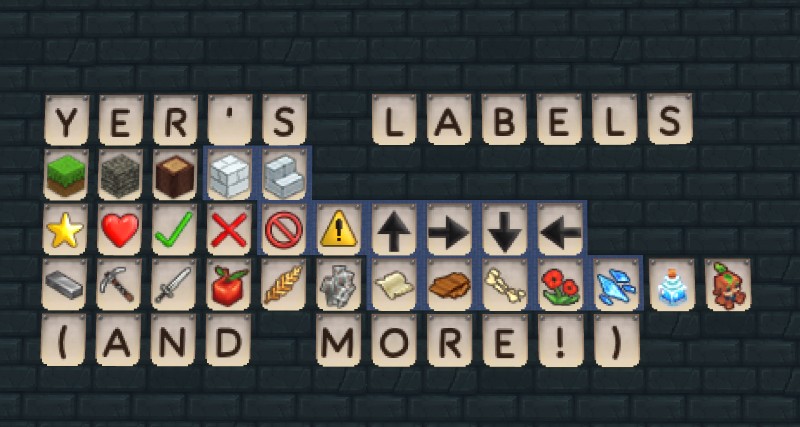
The blocks and item labels are based on the in-game generated icons for the items. Though I scaled them in Photoshop and applied some edits to make them look better on the label. For the symbols, it’s a mix of making them from scratch, using some Photoshop shape presets, and just emoji.
Though when I worked on the text labels, I ended up just writing a couple simple Python scripts. I used the Pillow library to generate all the textures using the Morning Breeze font. Then just some simple JSON generation to make all the item files.
Features
- 80+ labels for text, items, blocks and symbols. More coming in future updates!
- Small hitbox, making it easy to place on a chest and still access your storage!
- No custom workbench! All labels are simply craftable with vanilla workbenches and game mechanics, saving you space from yet another modded workbench in your house.
Usage
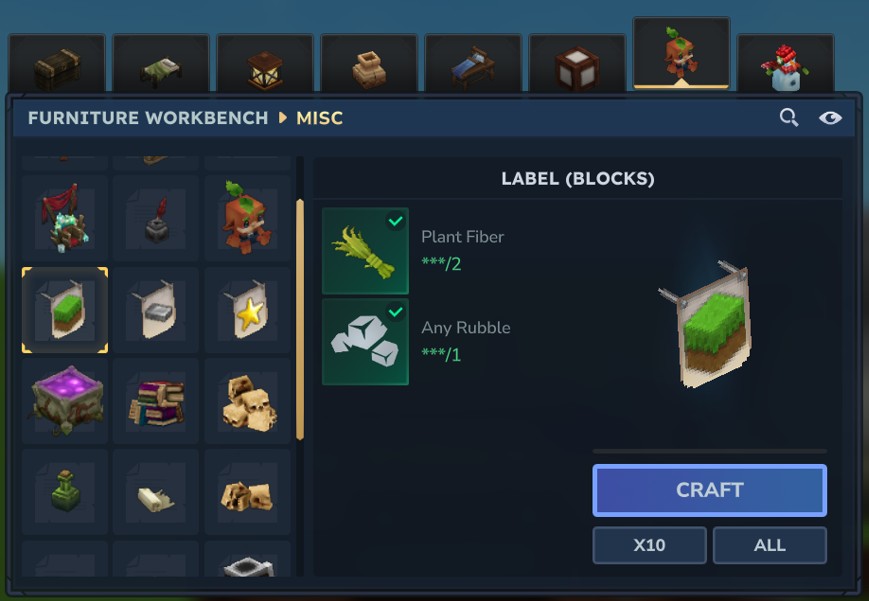
- Craft the basic labels in the misc tab of the furniture workbench using some plant fibre and rubble.
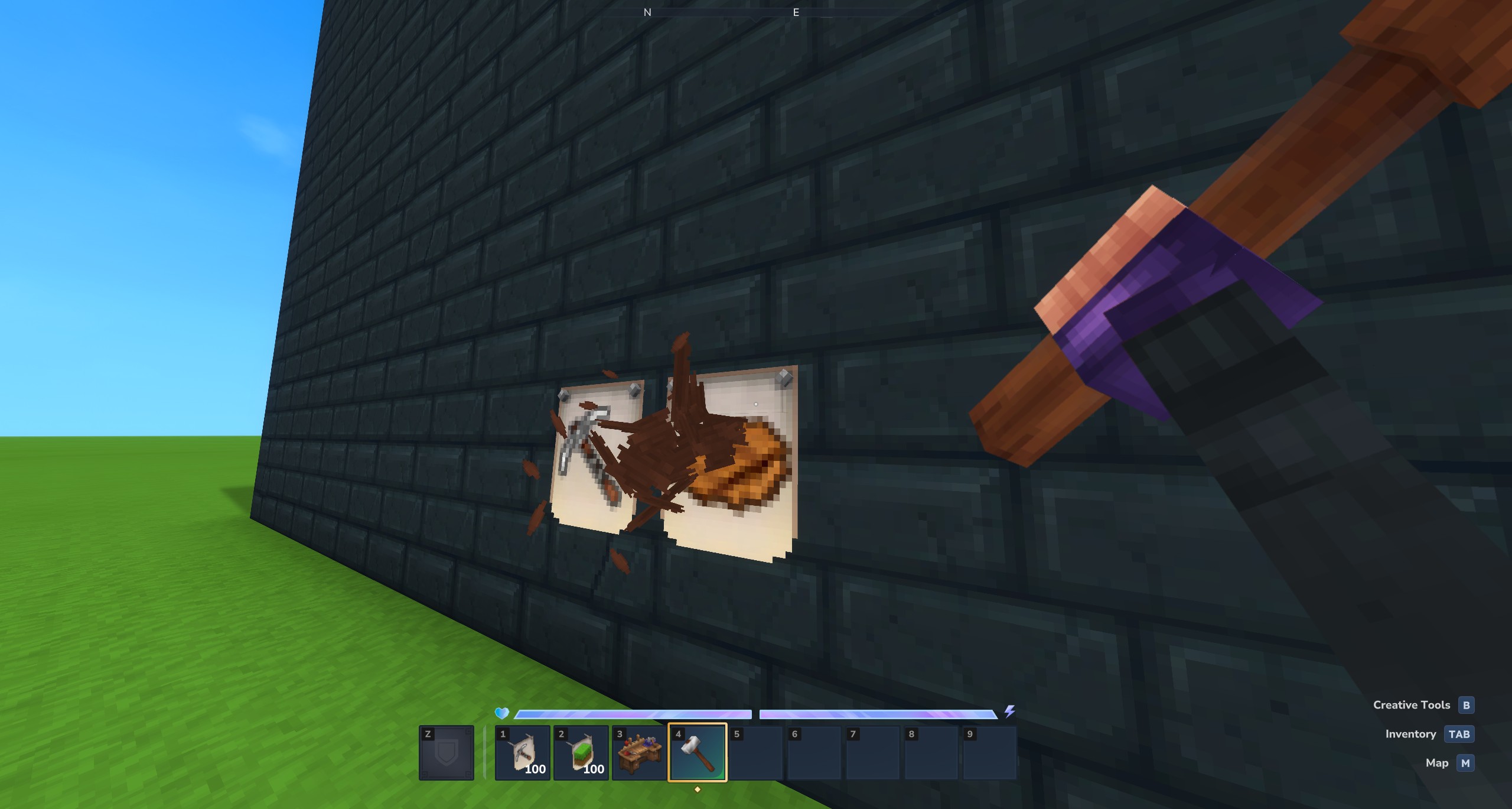
- Place the labels anywhere, and hit the top of the label with a builder’s hammer to cycle between labels in that category.
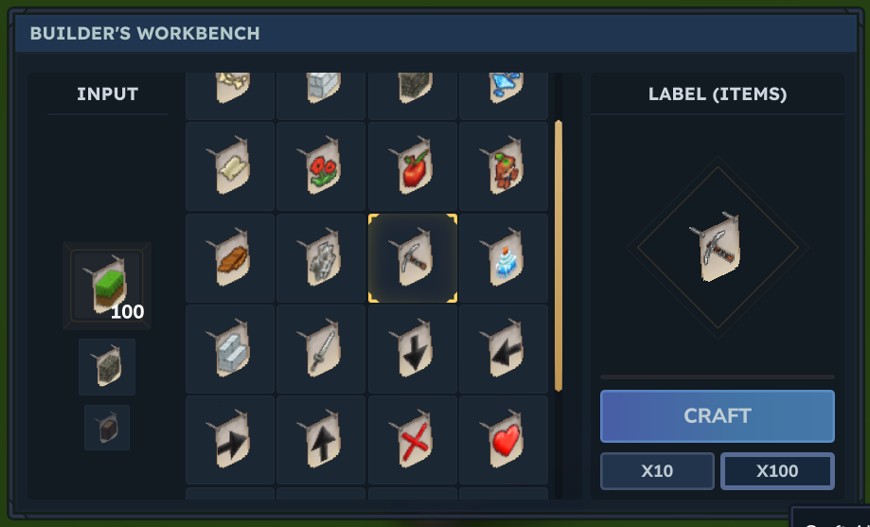
- Place any label into the builder’s workbench to swap it to other types of labels! This is split into icons and text groups. (Note: due to limitations with Hytale’s crafting system, some variants may be missing from the builder’s workbench.)